
It’s been quite a while since I last wrote—I’m catching up now.
Mainly because AutoUpgrade version 26.6 is now available, which lets you download the patches for Oracle Enterprise Manager, see Mike’s blog here: https://mikedietrichde.com/2026/09/30/new-autoupgrade-version-26-6-is-available/
That’s absolutely amazing!
So, let’s have a look.
- My environment
- Download OEM24ai patches with AutoUpgrade
- Install OEM24ai and configure later
- Patching OEM24ai
- Configure OEM24ai
My environment
My environment is OEL 8.10.
I installed a 2-node cluster in Version 23.26.3.0.0:
[grid@oem24-02 ~]$ crsctl query crs softwareversion -all
Oracle Clusterware version on node [oem24-02] is [23.0.0.0.0]
Oracle Clusterware version on node [oem24-03] is [23.0.0.0.0]
[grid@oem24-02 ~]$ crsctl query crs releasepatch
Oracle Clusterware release patch level is [2505374838] and the complete list of patches [39578856 39578859 39578862 39578865 39578879 ] have been applied on the local node. The release patch string is [23.26.3.0.0].
My database for the OEM24ai repository is also 26ai:
SQL> select banner from v$version;

BANNER
--------------------------------------------------------------------------------
Oracle AI Database 26ai Enterprise Edition Release 23.26.3.0.0 - Production
Later, I want to install an additional OEM24ai with HAProxy and an applicationVIP. But this will be covered in one of my next blogs.
Download OEM patches with AutoUpgrade
How to configure AutoUpgrade for download is not explained here. There are some better blogs and pages, which this theme is covered.
So, I start with the download of OEM24 RU13.
[oracle@oem24-02 autoupgrade]$ cat download_EM_RU.cfg
global.global_log_dir=/home/oracle/autoupgrade/log
global.keystore=/home/oracle/autoupgrade/keystore
patch1.download_folder=/software
patch1.patch=OEM:24.1
patch1.target_version=26
patch1.platform=LINUX.X64


[oracle@oem24-02 autoupgrade]$ java -jar /home/oracle/autoupgrade/autoupgrade.jar -config /home/oracle/autoupgrade/download_EM_RU.cfg -patch -mode download
AutoUpgrade Patching 26.6.260925 launched with default internal options
Processing config file ...
Loading AutoUpgrade Patching keystore
AutoUpgrade Patching keystore is loaded

------------------------------
Downloading files to /software
------------------------------
Oracle Enterprise Manager 24ai Release 1 Update 13 (24.1.0.13) for Oracle Management Service
    File: p39815035_241000_Generic.zip - VALIDATED

Oracle Enterprise Manager 24ai Release 1 Holistic Patch for Oracle Management Service - September 2026
    File: p39984254_241000_Generic.zip - 100%                                                                                                            VALIDATED

Oracle Enterprise Manager 24ai Release 1 Update 13 (24.1.0.13) for Oracle Management Agent
    File: p39815042_241000_Generic.zip - VALIDATED

OMSPatcher patch of version 13.9.24.17.0 for Enterprise Manager 24.1.0.0.0
    File: p19999993_241000_Generic.zip - VALIDATED

AgentPatcher patch of version 13.9.25.3.0 for Enterprise Manager 24.1.0.0.0
    File: p33355570_241000_Generic.zip - VALIDATED
------------------------------
I repeat it: A-M-A-Z-I-N-G-!
Thanks to Mike and his colleagues!
Now, I have the patches, but I still need the OEM software binaries, which I get here: https://edelivery.oracle.com. If you can, use wget 😉
Install OEM24ai and configure later
After unzipping the files, I follow my own blog post: Are you ready for the installation of OEM24ai?
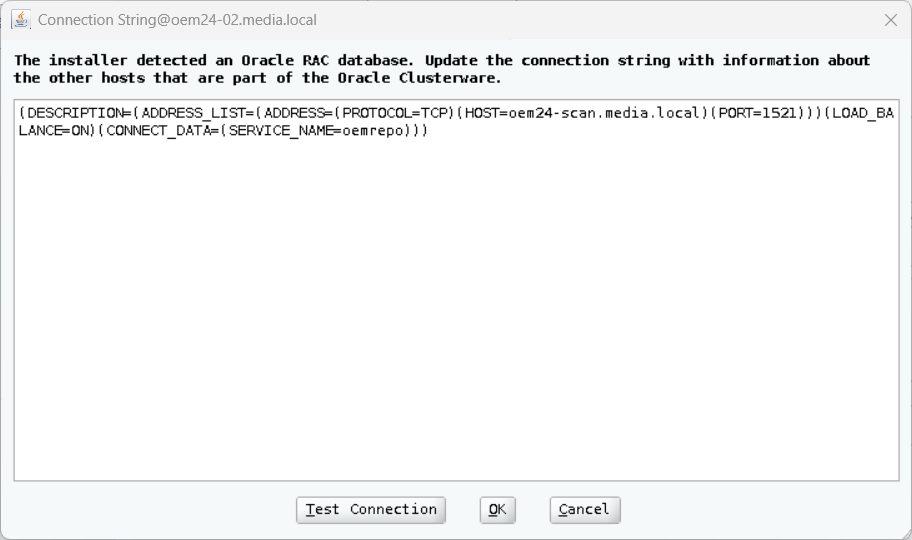
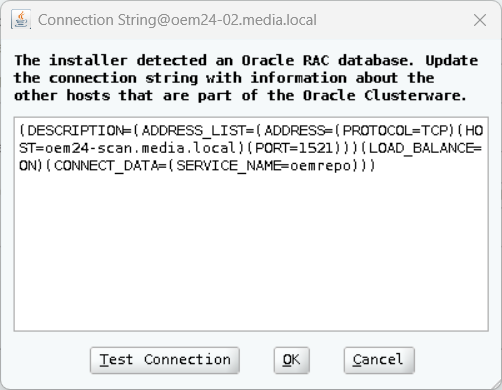
The EMPREREQ_KIT tool recognizes that it is a RAC database. I didn’t specify anything other than the SCAN address—nothing else is necessary either.
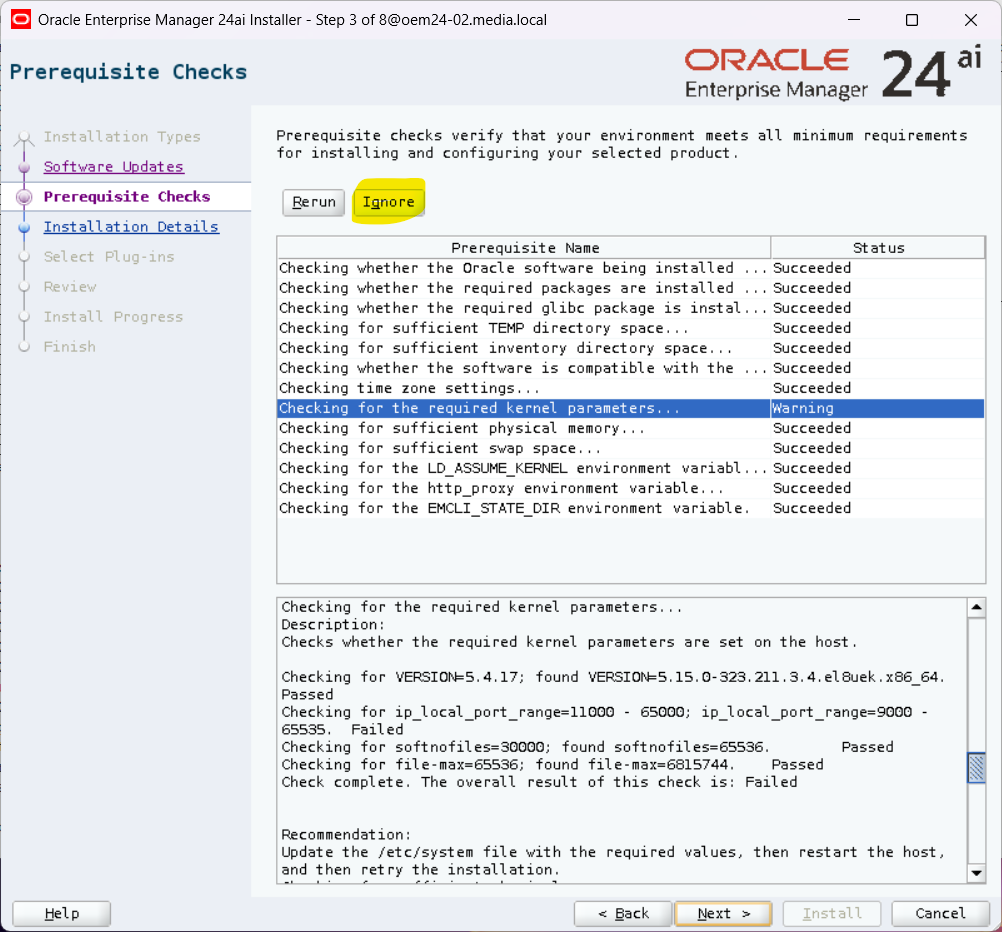
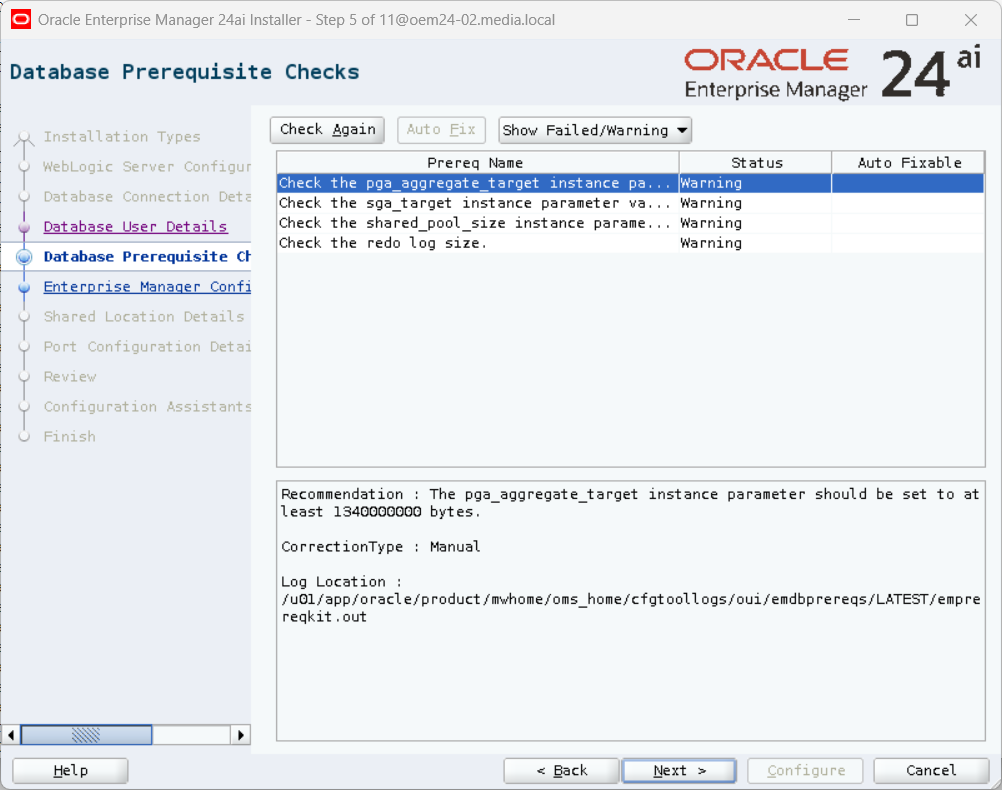
I got few warnings and one failure.
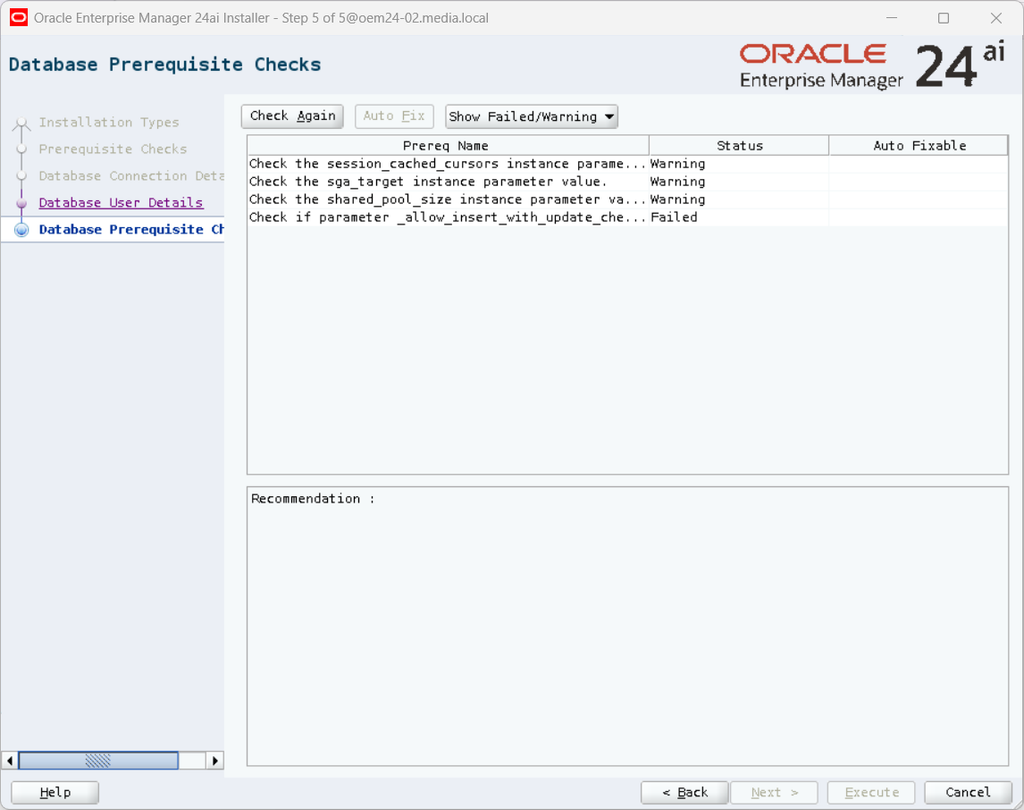
So, I corrected these warnings and the failure and restarted my RAC database.
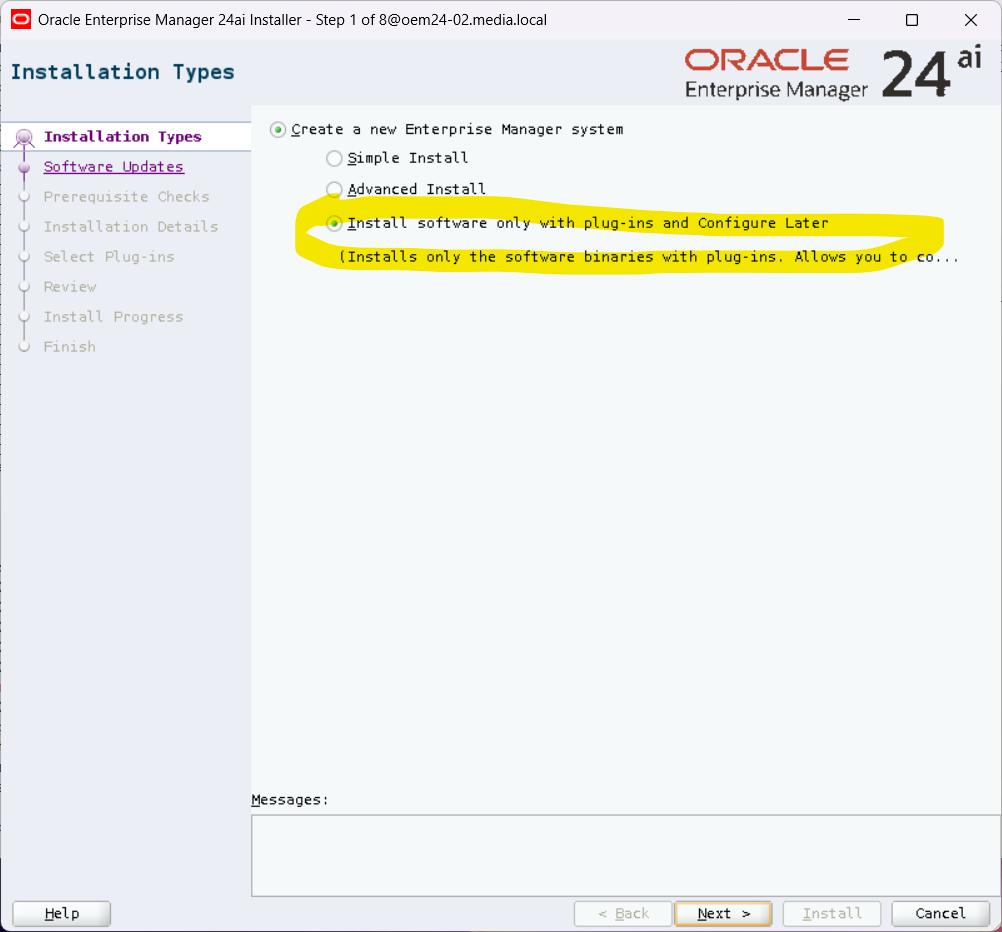
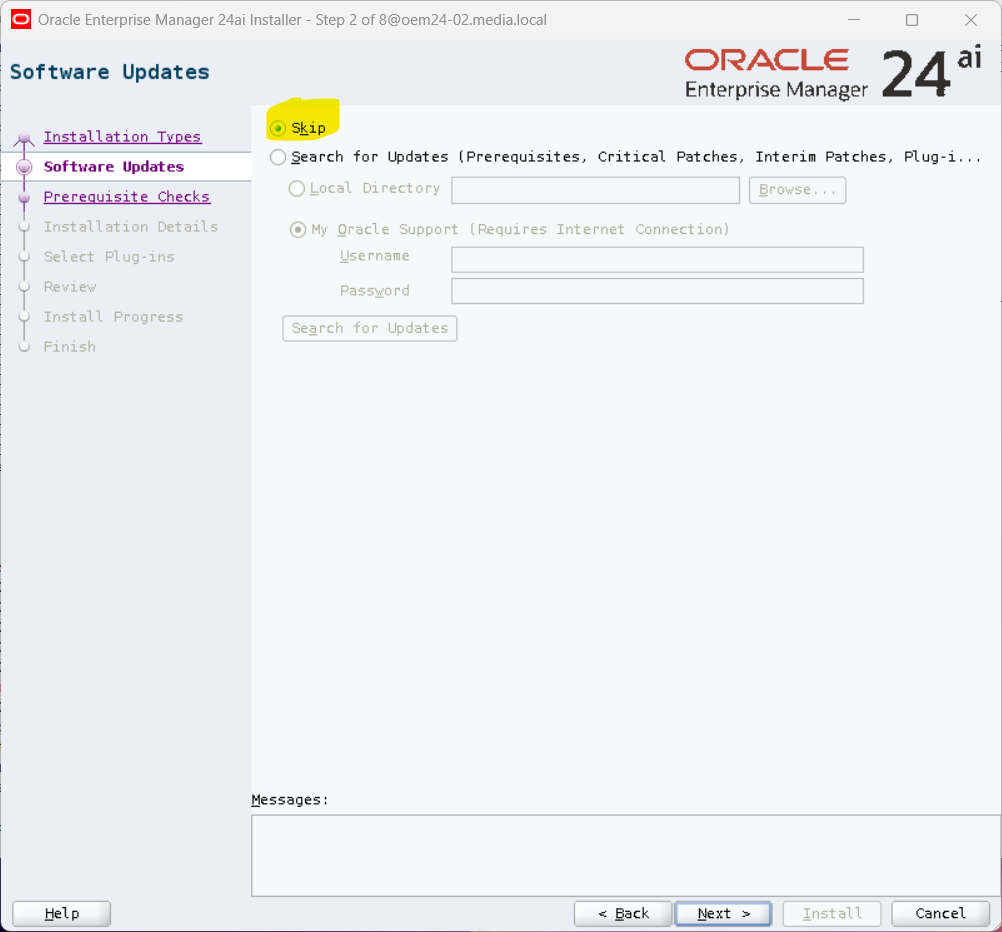
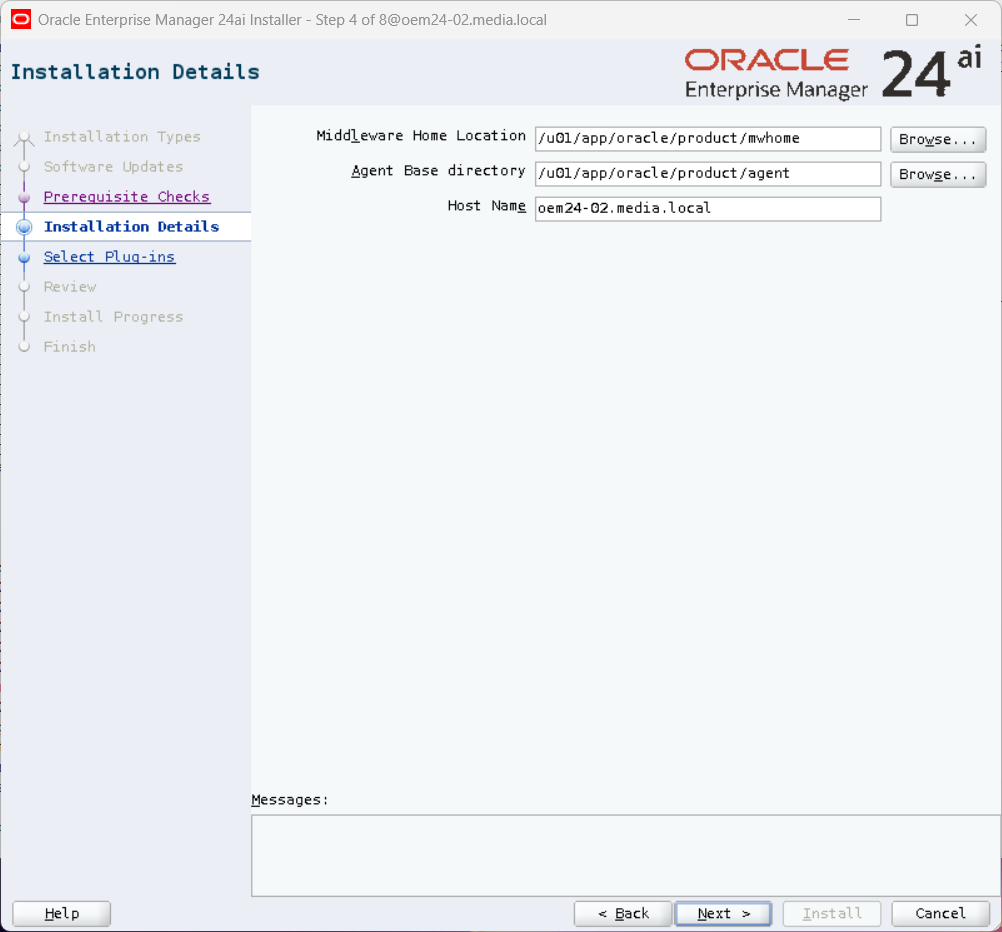
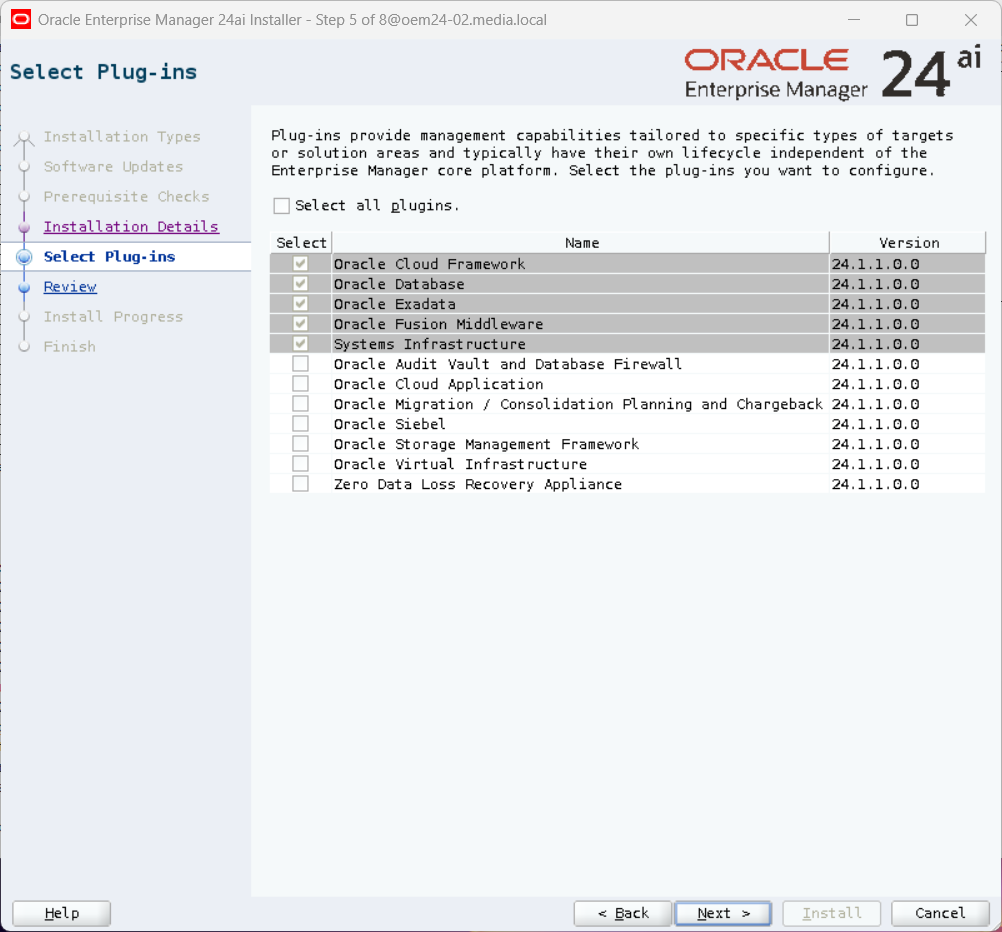
After this I installed my OEM24ai with the option “Install software only with plug-ins and Configure Later”
So, not really anything exciting
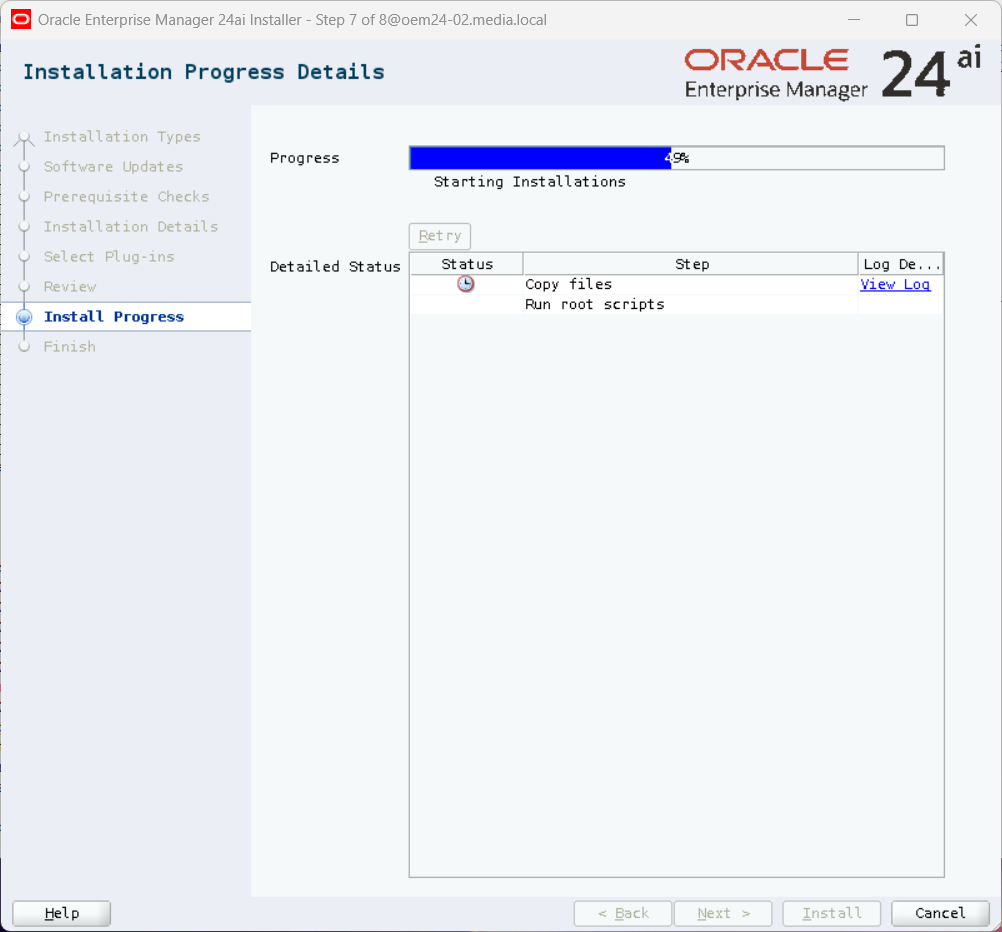
Run root.sh as user root.
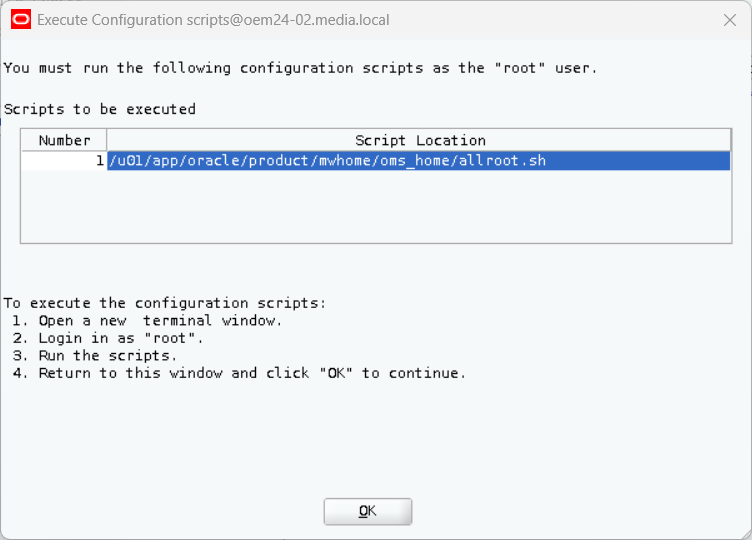
[root@oem24-02 ~]$  /u01/app/oracle/product/mwhome/oms_home/allroot.sh

Starting to execute allroot.sh .........

Starting to execute /u01/app/oracle/product/mwhome/oms_home/root.sh ......
Check /u01/app/oracle/product/mwhome/oms_home/install/root_oem24-02.media.local_2026-10-06_16-31-33-709477487.log for the output of root script

Finished product-specific root actions.
/etc exist
/u01/app/oracle/product/agent/agent_24.1.0.0.0
Finished execution of  /u01/app/oracle/product/mwhome/oms_home/root.sh ......


Starting to execute /u01/app/oracle/product/agent/agent_24.1.0.0.0/root.sh ......

Finished product-specific root actions.
/etc exist
/u01/app/oracle/product/agent/agent_24.1.0.0.0
Finished execution of  /u01/app/oracle/product/agent/agent_24.1.0.0.0/root.sh ......
The last step shows the script, which I have to run after all patching tasks.
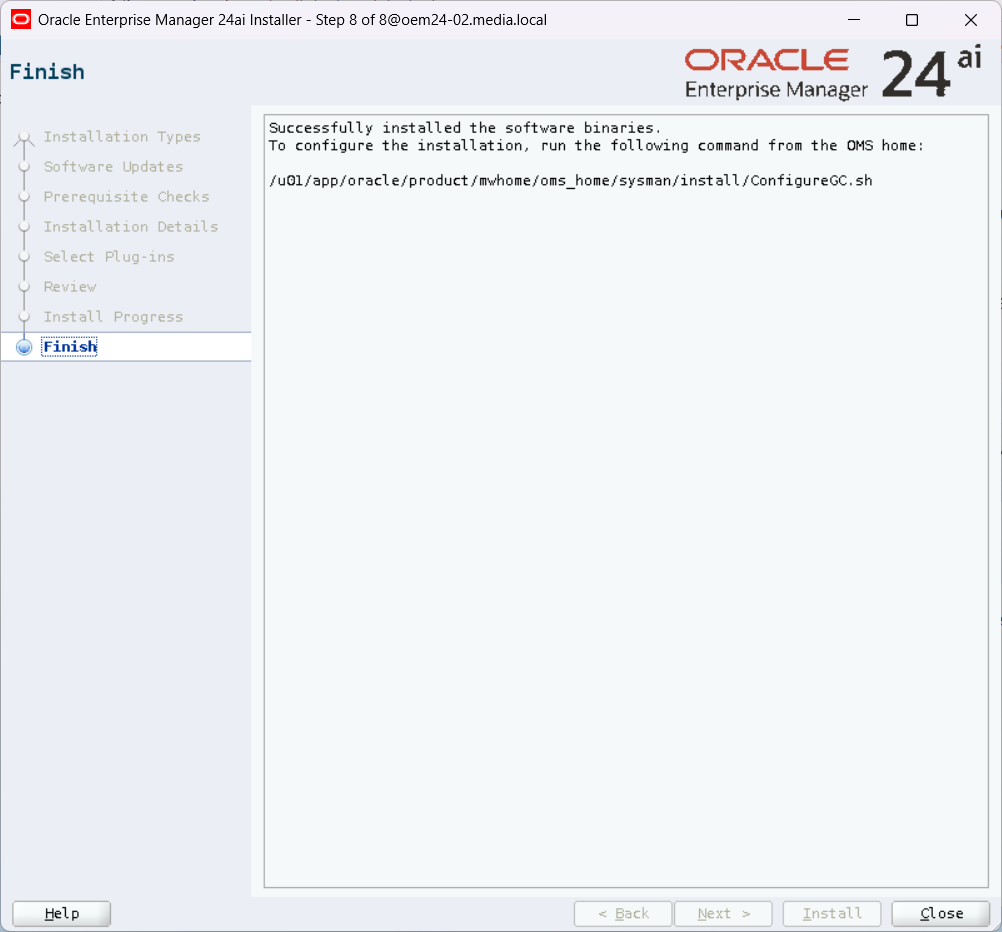
Patching OEM
There are serveral steps to do, so first I start with OMSPatcher
OMSPatcher
Thanks to AutoUpgrade, the latest OMSPatcher has already been downloaded, it is patch p19999993_241000_Generic.zip
[oracle@oem24-02 ~]$ export ORACLE_HOME=/u01/app/oracle/product/mwhome/oms_home
[oracle@oem24-02 ~]$ cd $ORACLE_HOME/OMSPatcher
[oracle@oem24-02 OMSPatcher]$ ./omspatcher version
OMSPatcher Version: 13.9.24.1.0
OPlan Version: 12.2.0.1.16
OsysModel build: Tue Apr 28 18:16:31 PDT 2020

OMSPatcher succeeded.
I take a backup of the current OMSPatcher
[oracle@oem24-02 oms_home]$ mv OMSPatcher OMSPatcher_13.9.24.1.0I unzip the patch in the OEM OracleHome
[oracle@oem24-02 oms_home]$ unzip -q /software/p19999993_241000_Generic.zipI check the OMSPatcher version
[oracle@oem24-02 oms_home]$ ./OMSPatcher/omspatcher version
OMSPatcher Version: 13.9.24.17.0
OPlan Version: 12.2.0.1.16
OsysModel build: Tue Apr 28 18:16:31 PDT 2020

OMSPatcher succeeded.
OPatch
Normally, you have to stop the OEM, if you want to update OPatch. But I’ve only installed the software so far, I can simply update OPatch.
OPatch is delivered with the OEM Holictic patch.
[oracle@oem24-02 software]$ unzip -q p39984254_241000_Generic.zip -x "*/solaris*64/*" "*/windows64/*" "*/aix64/*"
[oracle@oem24-02 software]$ cd 39984254/tools/opatch/generic
[oracle@oem24-02 generic]$ unzip -q p28186730_1394224_Generic.zip
[oracle@oem24-02 6880880]$ pwd
/software/39984254/tools/opatch/generic/6880880
[oracle@oem24-02 6880880]$ /u01/app/oracle/product/mwhome/oms_home/oracle_common/jdk/bin/java -jar /software/39984254/tools/opatch/generic/6880880/opatch_generic.jar -silent oracle_home=/u01/app/oracle/product/mwhome/oms_home

[oracle@oem24-02 6880880]$ $ORACLE_HOME/OPatch/opatch version
OPatch Version: 13.9.4.2.24

OPatch succeeded.
Release Update (RU13)
Now, OMSPatcher and opatch are updated, I can start with the RU, here it is RU13.
[oracle@oem24-02 software]$ unzip -q p39815035_241000_Generic.zipNo Adminserver is running, so I have to patch with the option “bitonly”
(see MOS: KB282751 – 24ai: How to Apply Release Update on the OMS During the Install/Upgrade)
[oracle@oem24-02 39815035]$ export PATH=$ORACLE_HOME/bin:$ORACLE_HOME/OMSPatcher:$ORACLE_HOME/OPatch:$PATH
[oracle@oem24-02 39815035]$ omspatcher apply -bitonly
OMSPatcher Automation Tool
Copyright (c) 2024, Oracle Corporation.  All rights reserved.


OMSPatcher version : 13.9.24.17.0
OUI version        : 13.9.4.0.0
Running from       : /u01/app/oracle/product/mwhome/oms_home
Log file location  : /u01/app/oracle/product/mwhome/oms_home/cfgtoollogs/omspatcher/opatch2026-10-06_16-55-57PM_1.log

OMSPatcher log file: /u01/app/oracle/product/mwhome/oms_home/cfgtoollogs/omspatcher/39815035/omspatcher_2026-10-06_16-56-29PM_apply.log

WARNING: OMSPatcher has been invoked with bitonly option but the System patch provided has deployment metadata.
Invocation in bitonly mode will prevent OMSPatcher from deploying artifacts.

Do you want to proceed? [y|n]
y
User Responded with: Y


Prereq "checkComponents" for patch 39807951 passed.

Prereq "checkComponents" for patch 39808046 passed.

Prereq "checkComponents" for patch 39807976 passed.

Prereq "checkComponents" for patch 39808017 passed.

Prereq "checkComponents" for patch 39807963 passed.

Prereq "checkComponents" for patch 39808030 passed.

Prereq "checkComponents" for patch 39808070 passed.

Running apply prerequisite checks for sub-patch(es) "39807951,39808046,39807976,39808017,39807963,39808030" and Oracle Home "/u01/app/oracle/product/mwhome/oms_home"...
Sub-patch(es) "39807951,39808046,39807976,39808017,39807963,39808030" are successfully analyzed for Oracle Home "/u01/app/oracle/product/mwhome/oms_home"

Running apply prerequisite checks for sub-patch(es) "39808070" and Oracle Home "/u01/app/oracle/product/mwhome/ext_oms_home"...
Sub-patch(es) "39808070" are successfully analyzed for Oracle Home "/u01/app/oracle/product/mwhome/ext_oms_home"

To continue, OMSPatcher will do the following:
[Patch and deploy artifacts]   :


Do you want to proceed? [y|n]
y
User Responded with: Y

Applying sub-patch(es) "39807951,39807963,39807976,39808017,39808030,39808046"
Properties file /u01/app/oracle/product/mwhome/oms_home/sysman/config/emInstanceMapping.properties not found. Exiting.
Properties file /u01/app/oracle/product/mwhome/oms_home/sysman/config/emInstanceMapping.properties not found. Exiting.
Coping /u01/app/oracle/product/mwhome/oms_home/oracle_common/modules/oracle.pki/oraclepki.jar,/u01/app/oracle/product/mwhome/oms_home/oracle_common/modules/oracle.osdt/osdt_core.jar,/u01/app/oracle/product/mwhome/oms_home/oracle_common/modules/oracle.osdt/osdt_cert.jar to /u01/app/oracle/product/mwhome/oms_home/oui/em
Properties file /u01/app/oracle/product/mwhome/oms_home/sysman/config/emInstanceMapping.properties not found. Exiting.
mkdir /u01/app/oracle/product/mwhome/oms_home/cfgtoollogs/omspatcher/37691197_opatch_script
mkdir /u01/app/oracle/product/mwhome/oms_home/cfgtoollogs/omspatcher/37691197_opatch_script/apply_37691197_tmp
Failed to move file to deployed locationProperties file /u01/app/oracle/product/mwhome/oms_home/sysman/config/emInstanceMapping.properties not found. Exiting.
mkdir /u01/app/oracle/product/mwhome/oms_home/cfgtoollogs/omspatcher/36930316_opatch_script
mkdir /u01/app/oracle/product/mwhome/oms_home/cfgtoollogs/omspatcher/36930316_opatch_script/apply_36930316_tmp
Failed to move file to deployed locationProperties file /u01/app/oracle/product/mwhome/oms_home/sysman/config/emInstanceMapping.properties not found. Exiting.
Properties file /u01/app/oracle/product/mwhome/oms_home/sysman/config/emInstanceMapping.properties or cumulative mapping files /u01/app/oracle/product/mwhome/oms_home/install/deploy_library_mapping.txt_delta or /u01/app/oracle/product/mwhome/oms_home/install/undeploy_library_mapping.txt_delta not found. Exiting.
Properties file /u01/app/oracle/product/mwhome/oms_home/sysman/config/emInstanceMapping.properties not found. Exiting.
Deleted: /u01/app/oracle/product/mwhome/oms_home/inventory/featuresets/resources/modules/thirdParty_log4jLog4j_2.11.1.0.0.jar
Deleted: /u01/app/oracle/product/mwhome/oms_home/inventory/featuresets/resources/modules/thirdPartyMain_log4jLog4j_2.11.1.0.0.jar
Deleted: /u01/app/oracle/product/mwhome/ext_oms_home/inventory/featuresets/resources/modules/thirdParty_log4jLog4j_2.11.1.0.0.jar
Deleted: /u01/app/oracle/product/mwhome/ext_oms_home/inventory/featuresets/resources/modules/thirdPartyMain_log4jLog4j_2.11.1.0.0.jar
Properties file /u01/app/oracle/product/mwhome/oms_home/sysman/config/emInstanceMapping.properties not found. Exiting.
mkdir /u01/app/oracle/product/mwhome/oms_home/cfgtoollogs/omspatcher/39490394_opatch_script
mkdir /u01/app/oracle/product/mwhome/oms_home/cfgtoollogs/omspatcher/39490394_opatch_script/apply_39490394_tmp
Properties file /u01/app/oracle/product/mwhome/oms_home/sysman/config/emInstanceMapping.properties not found. Exiting.
Please monitor log file: /u01/app/oracle/product/mwhome/oms_home/cfgtoollogs/opatch/opatch2026-10-06_17-02-33PM_3.log


Applying sub-patch(es) "39808070"
Please monitor log file: /u01/app/oracle/product/mwhome/ext_oms_home/cfgtoollogs/opatch/opatch2026-10-06_17-07-05PM_4.log


Complete Summary
================


All log file names referenced below can be accessed from the directory "/u01/app/oracle/product/mwhome/oms_home/cfgtoollogs/omspatcher/2026-10-06_16-55-57PM_SystemPatch_39815035_1"

Patching summary:
-----------------

Binaries of the following sub-patch(es) have been applied successfully:

                        Featureset                                             Sub-patches                                                                                  Log file
                        ----------                                             -----------                                                                                  --------
  oracle.sysman.top.zdt_24.1.0.0.0                                                39808070                                                39808070_opatch2026-10-06_17-07-05PM_4.log
  oracle.sysman.top.oms_24.1.0.0.0   39807951,39807963,39807976,39808017,39808030,39808046   39807951,39807963,39807976,39808017,39808030,39808046_opatch2026-10-06_17-02-33PM_3.log


The following sub-patches are not needed by any component installed in the OMS system:
39669501,39808023,39669487,39808062,39669543,39808008


--------------------------------------------------------------------------------
The following warnings have occurred during OPatch execution:
1)  OMSPatcher has been invoked with bitonly option but the System patch provided has deployment metadata.
Invocation in bitonly mode will prevent OMSPatcher from deploying artifacts.
--------------------------------------------------------------------------------
Log file location: /u01/app/oracle/product/mwhome/oms_home/cfgtoollogs/omspatcher/39815035/omspatcher_2026-10-06_16-56-29PM_apply.log

OMSPatcher succeeded.
I check the installed patches:
[oracle@oem24-02 39815035]$ $ORACLE_HOME/OPatch/opatch lspatches -oh $ORACLE_HOME
39808046;Oracle Enterprise Manager for Cloud Framework 24ai Release 1 Plug-in Update 13 (24.1.1.13) for Oracle Management Service
39808030;Oracle Enterprise Manager for Systems Infrastructure 24ai Release 1 Plug-in Update 13 (24.1.1.13) for Oracle Management Service
39808017;Oracle Enterprise Manager for Exadata 24ai Release 1 Plug-in Update 13 (24.1.1.13) for Oracle Management Service
39807976;Oracle Enterprise Manager for Oracle Database 24ai Release 1 Plug-in Update 13 (24.1.1.13) for Oracle Management Service
39807963;Oracle Enterprise Manager for Fusion Middleware 24ai Release 1 Plug-in Update 13 (24.1.1.13) for Oracle Management Service
39807951;Oracle Enterprise Manager 24ai Release 1 Platform Update 13 (24.1.0.13) for Oracle Management Service
37103277;FMW Thirdparty Bundle Patch 12.2.1.4.240925
37096063;OSS 19C BUNDLE PATCH 12.2.1.4.241001
37035947;OWSM BUNDLE PATCH 12.2.1.4.240908
37028738;ADF BUNDLE PATCH 12.2.1.4.240905
36964687;WebCenter Core Bundle Patch 12.2.1.4.240819
36851321;RDA release 24.4-20241015 for OFM 12.2.1.4 SPB
36789759;FMW PLATFORM BUNDLE PATCH 12.2.1.4.240812
36316422;OPSS Bundle Patch 12.2.1.4.240220
34065178;One-off
30152128;One-off
26626168;One-off
1221423;Coherence Cumulative Patch 12.2.1.4.23
37033394;OHS (NATIVE) DB19C BUNDLE PATCH 12.2.1.4.240906
36615359;DATABASE RELEASE UPDATE 19.24.0.0.0 FOR FMW DBCLIENT
34809489;One-off
37087476;WLS PATCH SET UPDATE 12.2.1.4.240922
35965629;ADR FOR WEBLOGIC SERVER 12.2.1.4.0 CPU JAN 2024

OPatch succeeded.
Holistic Patch
I unzipped the patch earlier because of opatch, so I only have to change the directory and run omspatcher. But please delete the unzipped directory of opatch before starting the patch process.
[oracle@oem24-02 software]$ cd 39984254
[oracle@oem24-02 39984254]$ omspatcher apply /software/39984254 -spb_patch

SUCCESS :: The minimum Release Update (RU) check passed for applying the given holistic patch. Minimum OMS RU Version is 24.1.0.13

OMSPatcher analyze log file :: /u01/app/oracle/product/mwhome/oms_home/cfgtoollogs/omspatcher/SPB_PATCH/omspatcher_analyze_Thu_Oct__8_12_59_26_2026.log

Running Command :: /u01/app/oracle/product/mwhome/oms_home/OPatch/opatch lspatches -oh /u01/app/oracle/product/mwhome/oms_home

Running Command :: /u01/app/oracle/product/mwhome/oms_home/OPatch/opatch prereq CheckForNoOpPatches -oh /u01/app/oracle/product/mwhome/oms_home -phbasefile /u01/app/oracle/product/mwhome/oms_home/linux64_patchlist.txt -silent

Running Command :: /u01/app/oracle/product/mwhome/oms_home/OPatch/opatch prereq CheckConflictAgainstOH -oh /u01/app/oracle/product/mwhome/oms_home -phbasefile /u01/app/oracle/product/mwhome/oms_home/linux64_patchlist.txt -silent


Running Command :: /u01/app/oracle/product/mwhome/oms_home/OPatch/opatch prereq CheckConflictAgainstOH -oh /u01/app/oracle/product/mwhome/ext_oms_home -phbasefile /u01/app/oracle/product/mwhome/oms_home/linux64_patchlist.txt -silent
SLF4J: Class path contains multiple SLF4J bindings.
SLF4J: Found binding in [jar:file:/u01/app/oracle/product/mwhome/ext_oms_home/oui/modules/private/slf4j-jdk14-1.7.28.jar!/org/slf4j/impl/StaticLoggerBinder.class]
SLF4J: Found binding in [jar:file:/u01/app/oracle/product/mwhome/oms_home/oui/modules/private/slf4j-jdk14-1.7.28.jar!/org/slf4j/impl/StaticLoggerBinder.class]
SLF4J: See http://www.slf4j.org/codes.html#multiple_bindings for an explanation.
SLF4J: Actual binding is of type [org.slf4j.impl.JDK14LoggerFactory]
(...)
Command ran successfully

Running the command :: /u01/app/oracle/product/mwhome/oms_home/OPatch/opatch napply -oh /u01/app/oracle/product/mwhome/ext_oms_home -phbasefile /u01/app/oracle/product/mwhome/oms_home/linux64_patchlist_ext.txt -silent


Log file location: /u01/app/oracle/product/mwhome/oms_home/cfgtoollogs/omspatcher/SPB_PATCH/omspatcher_2026-10-08_13-04-40PM_apply.log

OMSPatcher succeeded.
I check the patches again:
[oracle@oem24-02 39984254]$ opatch lspatches
-bash: opatch: command not found
[oracle@oem24-02 39984254]$ export PATH=$ORACLE_HOME/OPatch:$PATH
[oracle@oem24-02 39984254]$ opatch lspatches
39984317;EM Stack Patch Bundle 24.1.0.0.0(ID:260906.1632) (Patch 39984254)
39979941;OPSS Bundle Patch 12.2.1.4.260904
39930279;ADF BUNDLE PATCH 12.2.1.4.260825
39919567;WLS PATCH SET UPDATE 12.2.1.4.260823
39901894;WebCenter Core Bundle Patch 12.2.1.4.260818
39896168;OWSM BUNDLE PATCH 12.2.1.4.260818
39861406;PERL 5.42.2 patch for EM 24.1.0.0.0
39798204;RDA release 26.3-2026915 for OFM 12.2.1.4 SPB
39611663;OHS (NATIVE) DB19C BUNDLE PATCH 12.2.1.4.260624
39574504;FMW Thirdparty Bundle Patch 12.2.1.4.260617
39567777;OSS 19C BUNDLE PATCH 12.2.1.4.260616
39487427;JDBC19.31 BUNDLE PATCH 12.2.1.4.260603
39425385;DB CLIENT 19.31 FOR FMW BUNDLE PATCH 12.2.1.4.260721 (39425385)
38832179;One-off
38098858;One-off
1221432;Coherence Cumulative Patch 12.2.1.4.32
39808046;Oracle Enterprise Manager for Cloud Framework 24ai Release 1 Plug-in Update 13 (24.1.1.13) for Oracle Management Service
39808030;Oracle Enterprise Manager for Systems Infrastructure 24ai Release 1 Plug-in Update 13 (24.1.1.13) for Oracle Management Service
39808017;Oracle Enterprise Manager for Exadata 24ai Release 1 Plug-in Update 13 (24.1.1.13) for Oracle Management Service
39807976;Oracle Enterprise Manager for Oracle Database 24ai Release 1 Plug-in Update 13 (24.1.1.13) for Oracle Management Service
39807963;Oracle Enterprise Manager for Fusion Middleware 24ai Release 1 Plug-in Update 13 (24.1.1.13) for Oracle Management Service
39807951;Oracle Enterprise Manager 24ai Release 1 Platform Update 13 (24.1.0.13) for Oracle Management Service
36789759;FMW PLATFORM BUNDLE PATCH 12.2.1.4.240812
34065178;One-off
30152128;One-off
34809489;One-off
35965629;ADR FOR WEBLOGIC SERVER 12.2.1.4.0 CPU JAN 2024

OPatch succeeded.
Configure OEM24ai
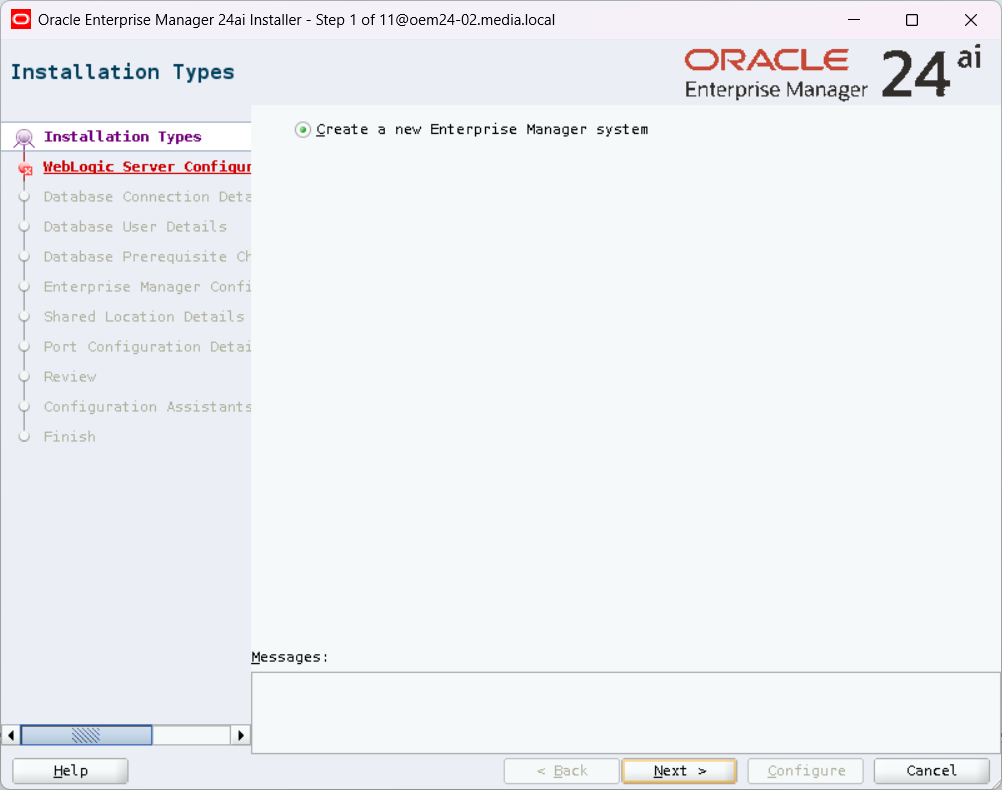
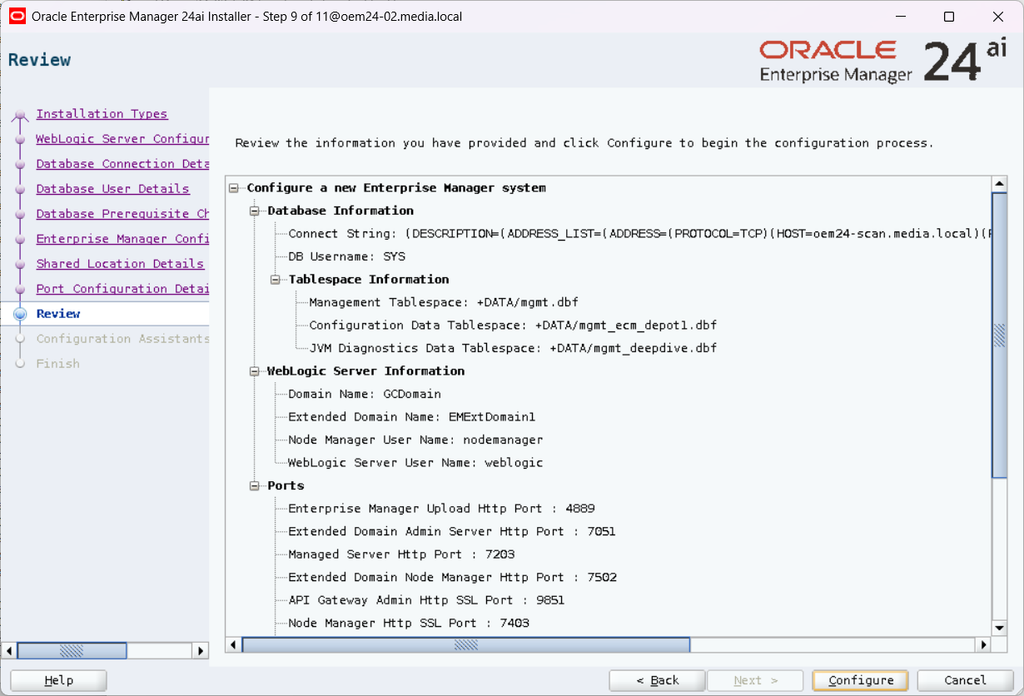
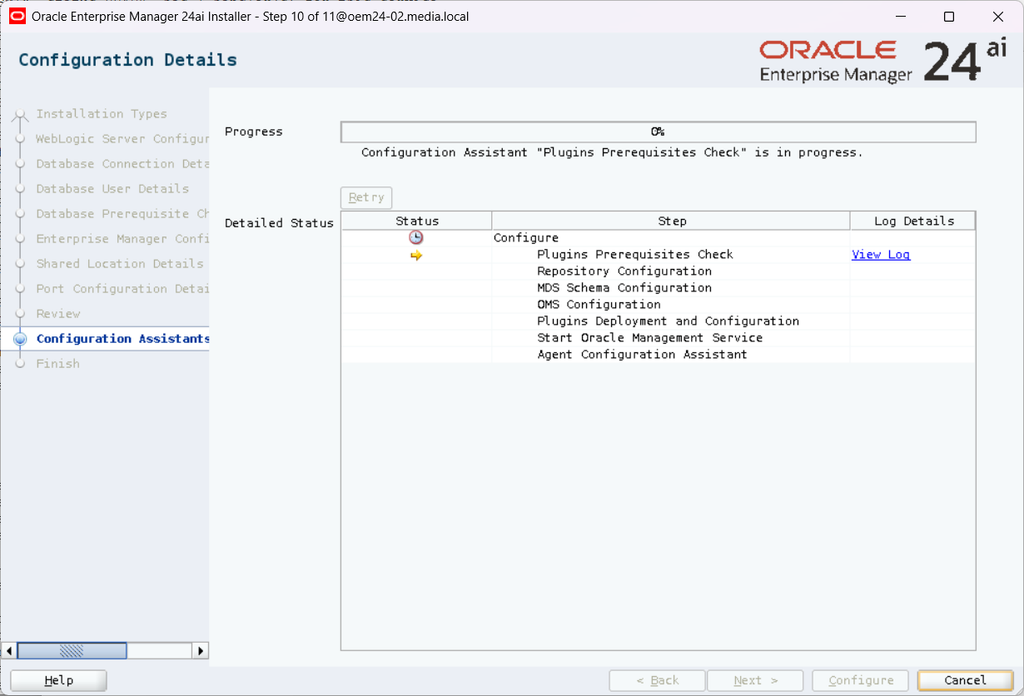
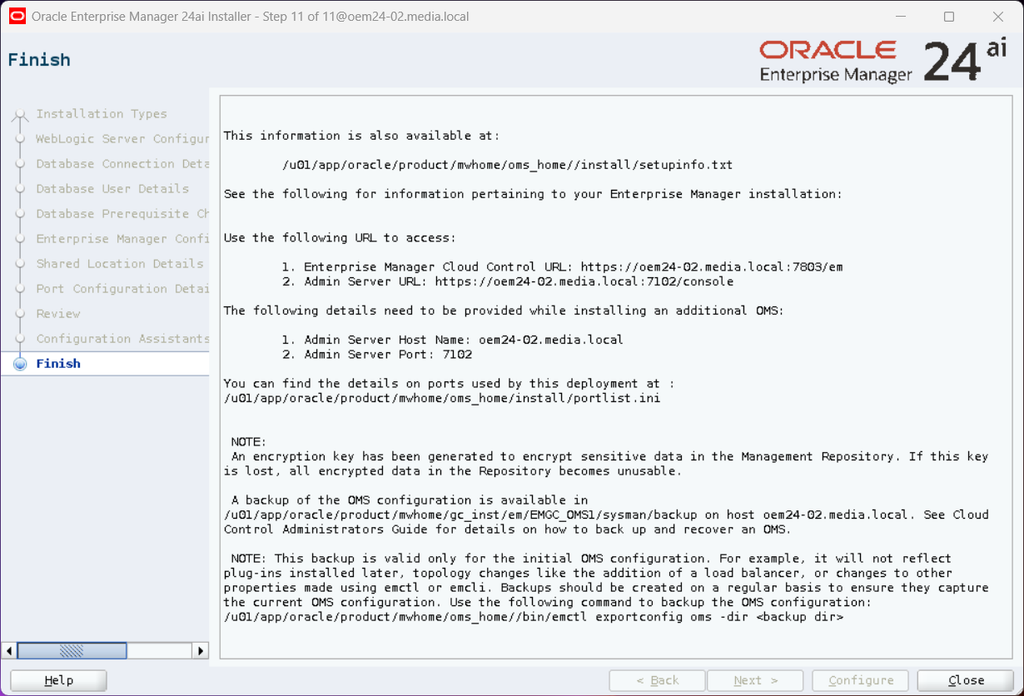
Now, I can configure OEM24ai:
[oracle@oem24-02 ~]$ cd /u01/app/oracle/product/mwhome/oms_home/sysman/install/
[oracle@oem24-02 install]$ ./ConfigureGC.sh
INFO: oneclick.properties exist .---/u01/app/oracle/product/mwhome/oms_home/oui/em/oneclick.properties
*************************************
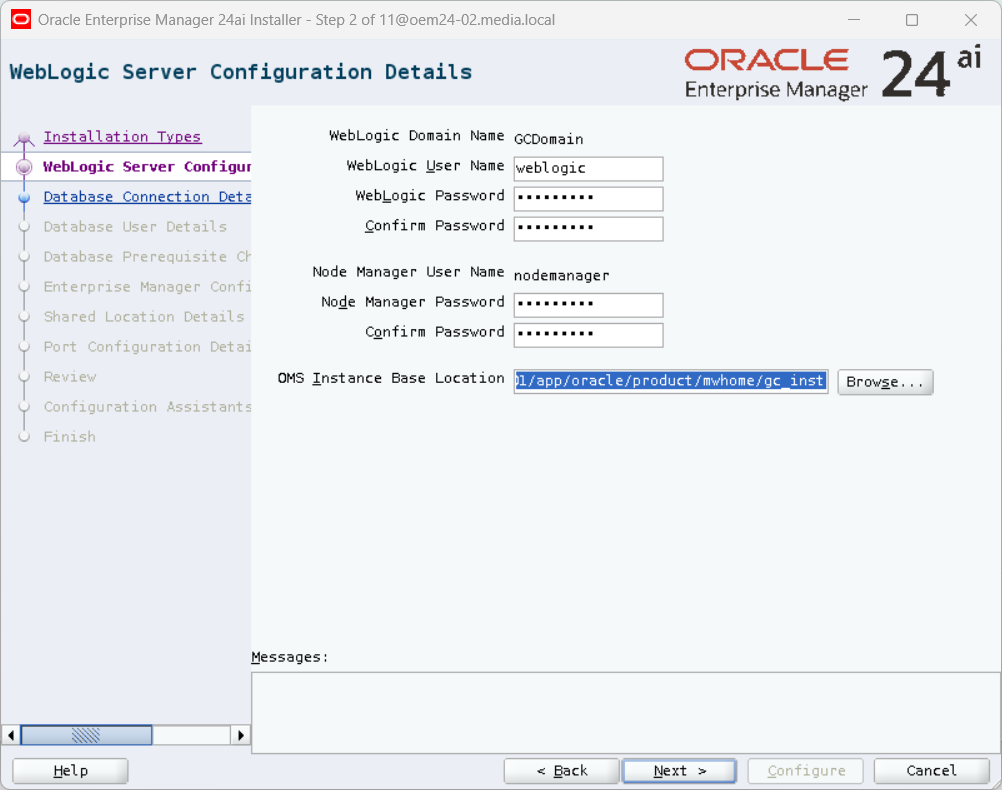
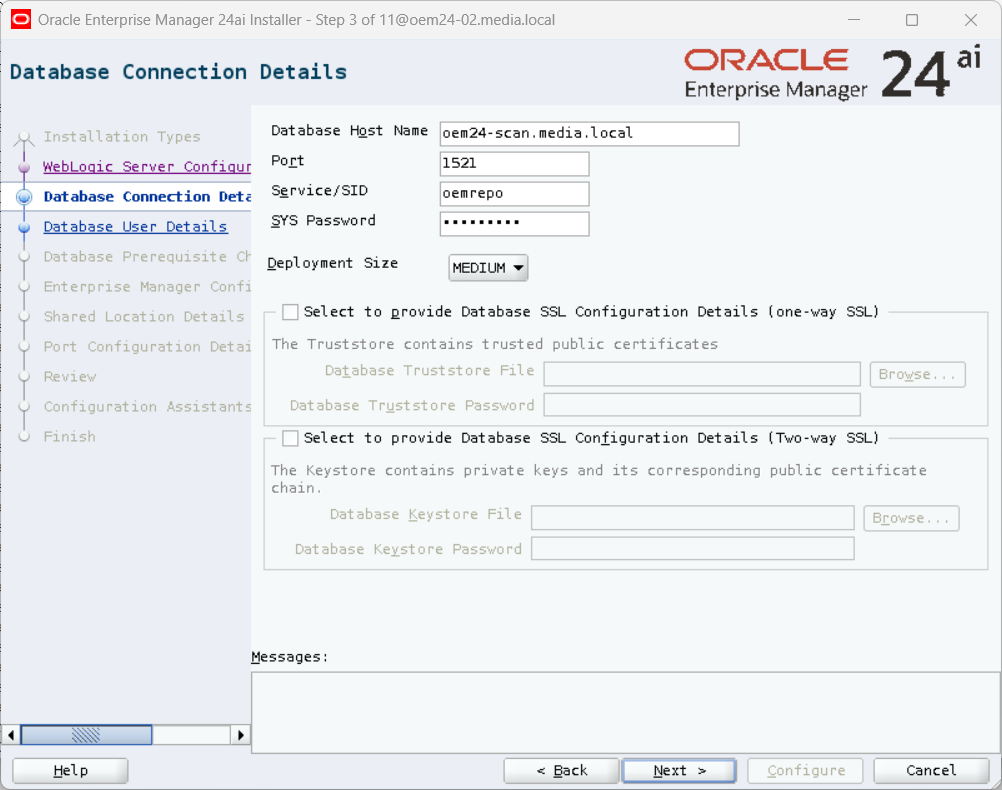
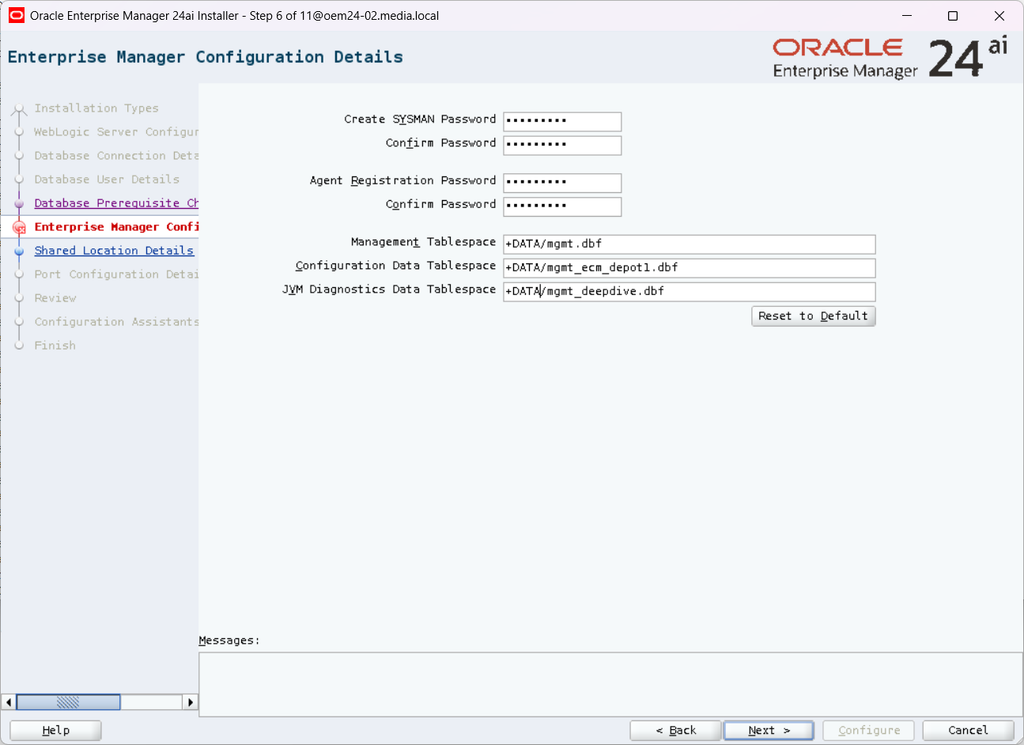
As I wrote, I have a RAC database.
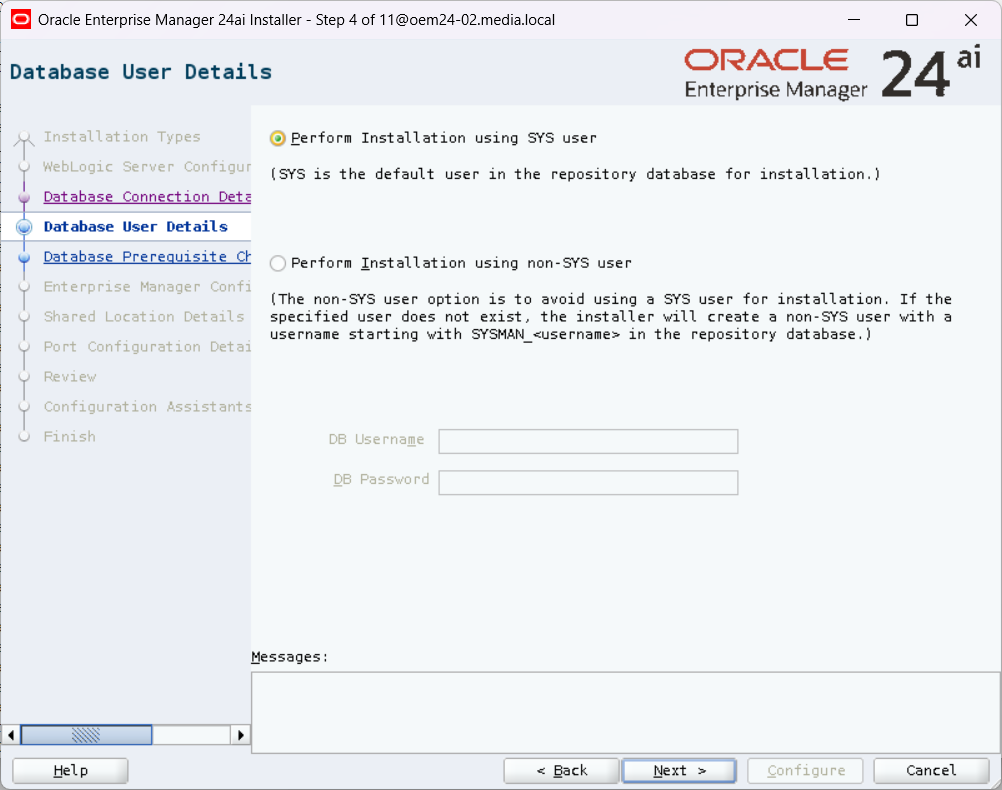
You can change the user also after the installation / configuration.
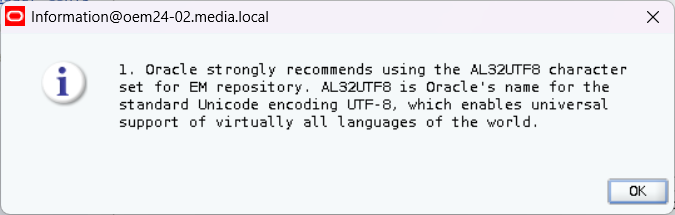
I ignored the warnings.
Done – great!