
In one of my previous posts , I wrote about the installation of Grid Infrastructure 19c and some issues with the CSSD daemon.
After fixing those problems, I decided to test an upgrade to Oracle 26ai — focusing solely on the Grid Infrastructure.
Normally, an upgrade of the Grid Infrastructure is not a big thing, so I went ahead with it.
Initial upgrade attempt
First of all, I created all necessary directories for the software and unzipped the binaries into them.
I started the installer and followed the instructions.
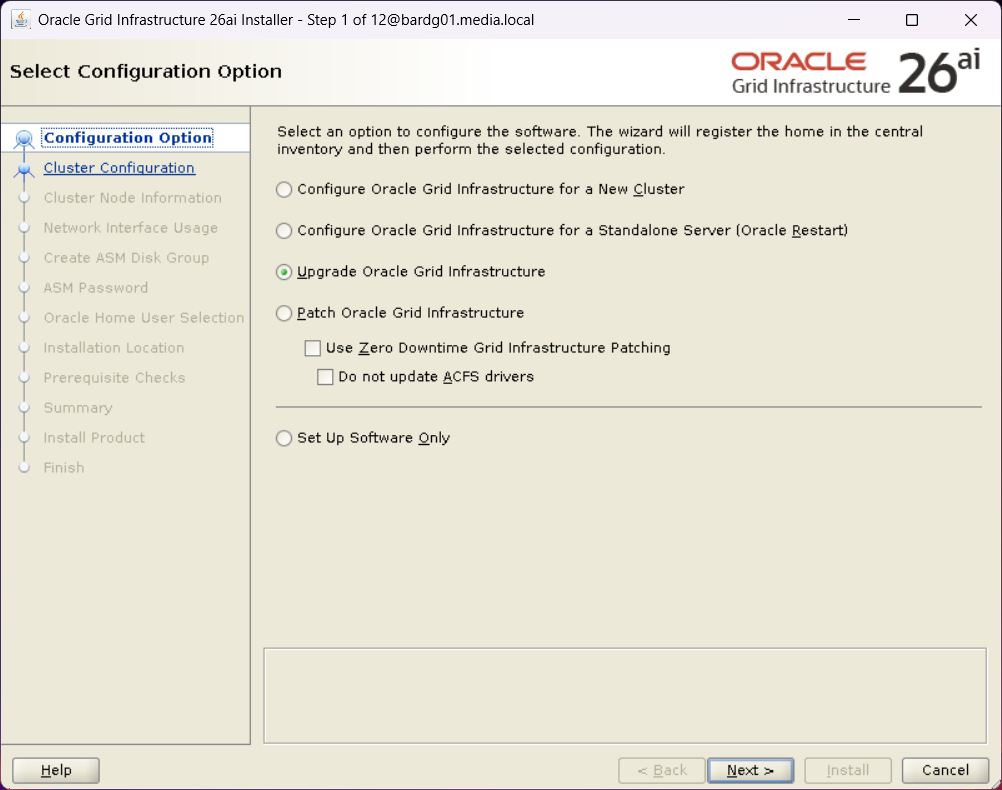
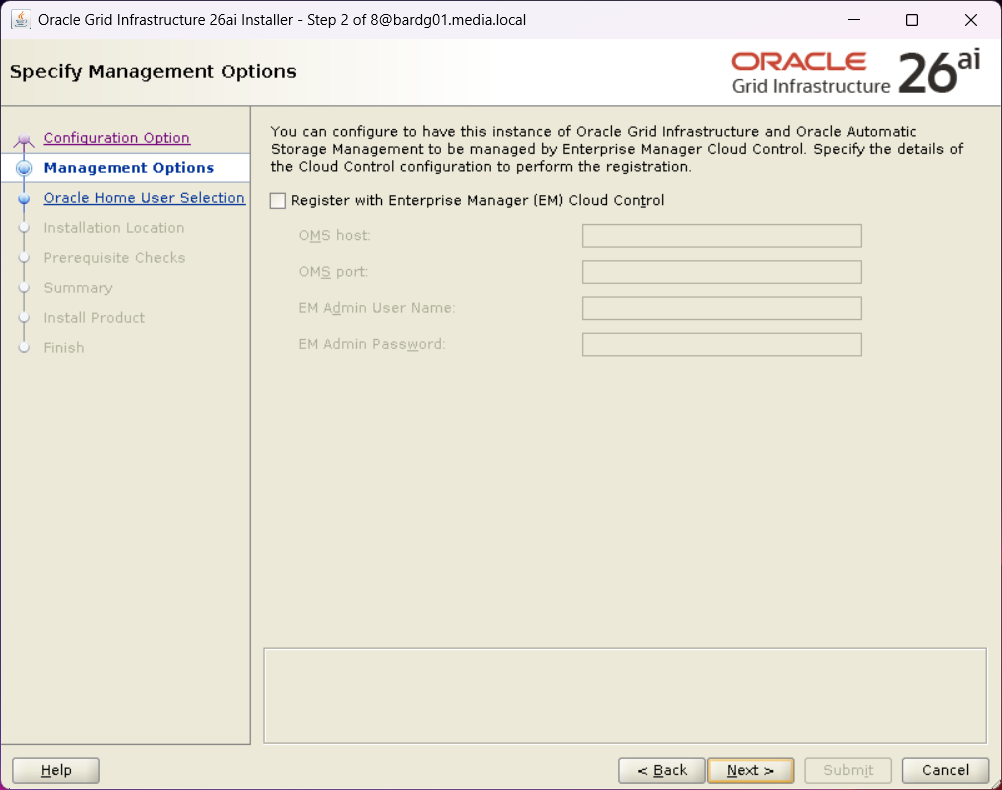
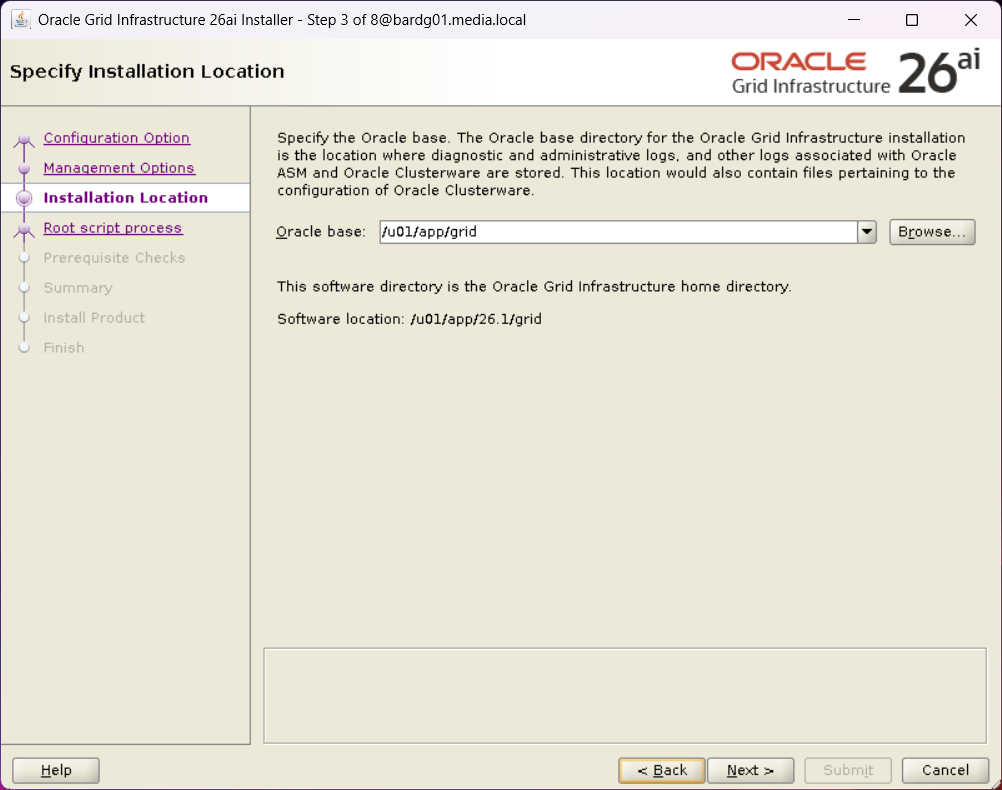
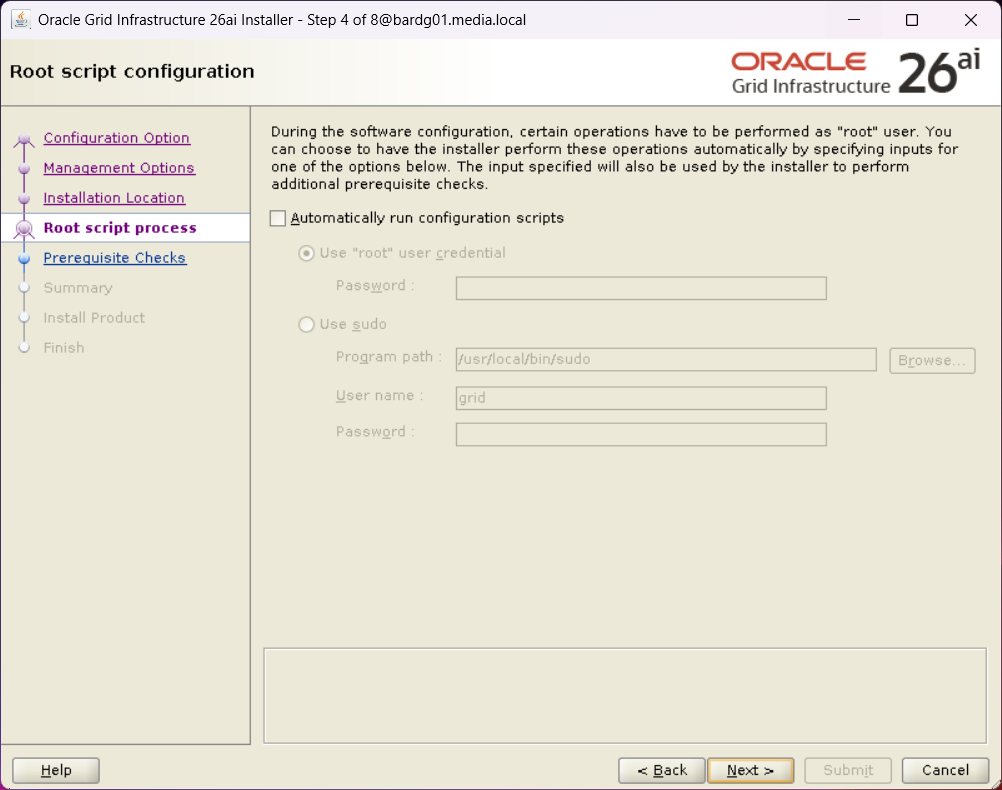
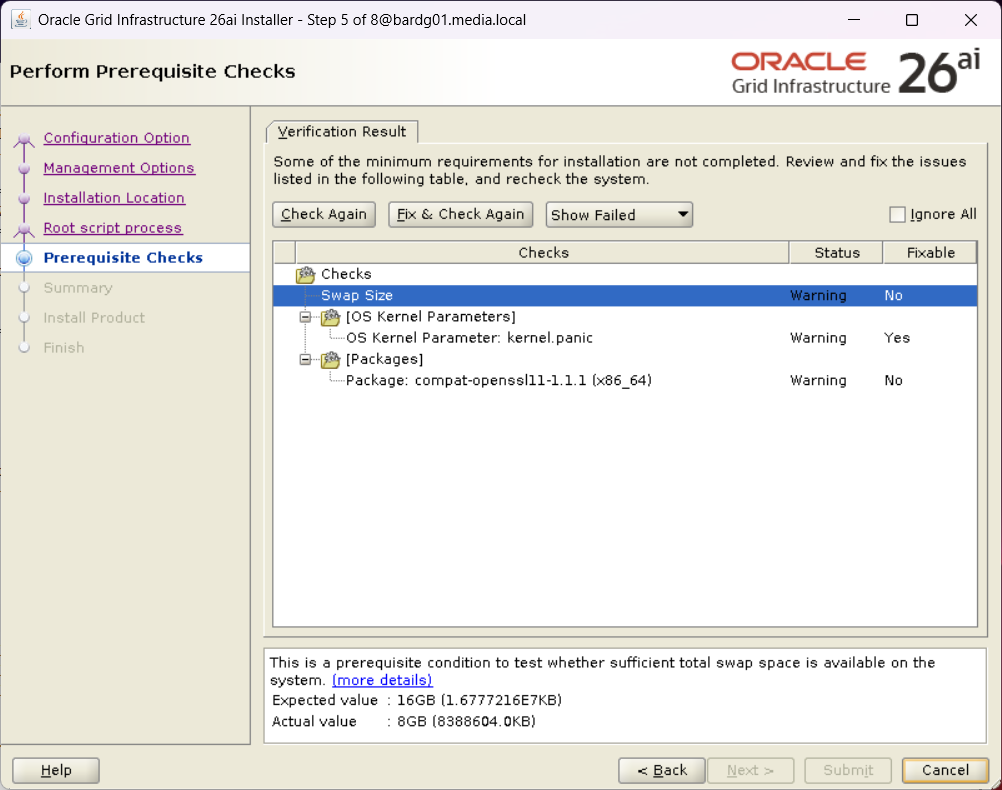
I installed compat-openssl11, and I ignored the other both warning.
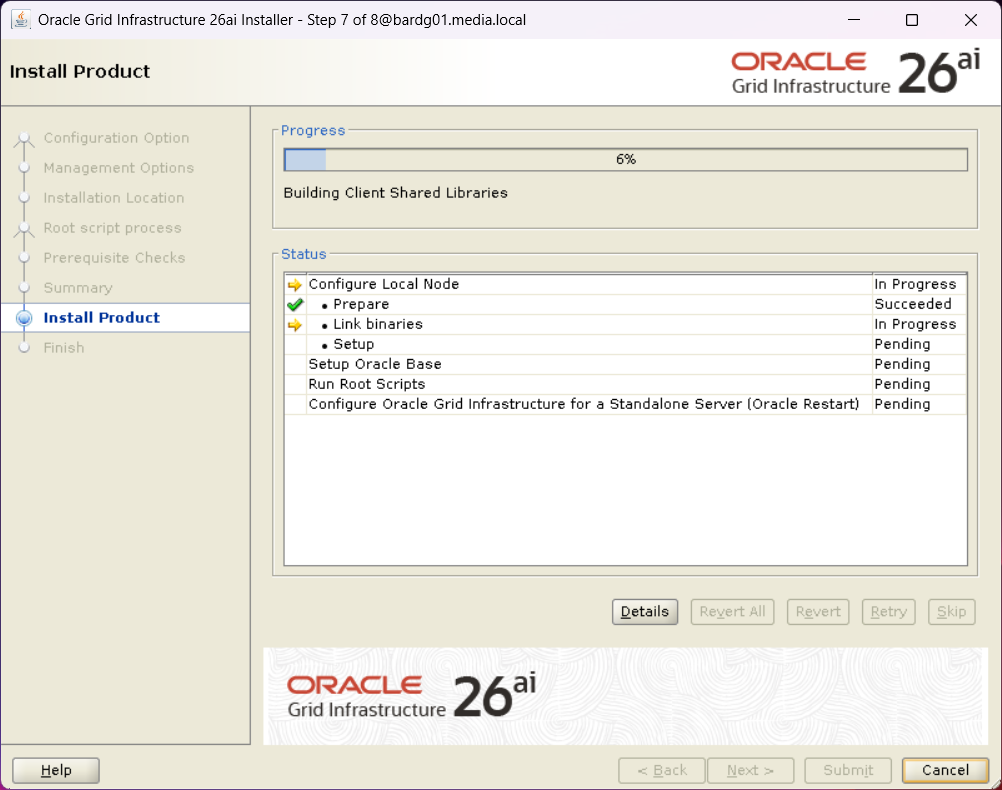
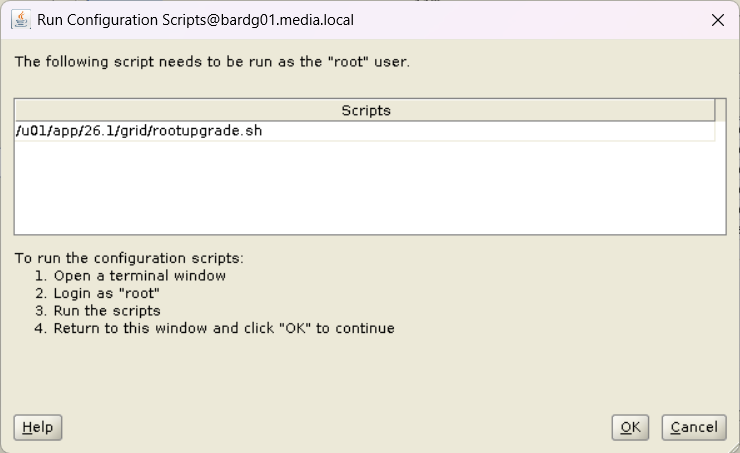
Nothing unexpected so far, but when I ran rootupgrade.sh as user root, I encountered an error close to the end.
[root@bardg01 ~]$  /u01/app/26.1/grid/rootupgrade.sh
Performing root user operation.

The following environment variables are set as:
    ORACLE_OWNER= grid
    ORACLE_HOME=  /u01/app/26.1/grid

Enter the full pathname of the local bin directory: [/usr/local/bin]:
The contents of "dbhome" have not changed. No need to overwrite.
The file "oraenv" already exists in /usr/local/bin.  Overwrite it? (y/n)
[n]:
The file "coraenv" already exists in /usr/local/bin.  Overwrite it? (y/n)
[n]:

Entries will be added to the /etc/oratab file as needed by
Database Configuration Assistant when a database is created
Finished running generic part of root script.
Now product-specific root actions will be performed.
Executing command '/u01/app/26.1/grid/perl/bin/perl -I/u01/app/26.1/grid/perl/lib -I/u01/app/26.1/grid/crs/install /u01/app/26.1/gr                              id/crs/install/roothas.pl  -upgrade'
Using configuration parameter file: /u01/app/26.1/grid/crs/install/crsconfig_params
The log of current session can be found at:
  /u01/app/grid/crsdata/bardg01/crsconfig/roothas_2026-04-28_02-52-43PM.log
2026/04/28 14:52:44 CLSRSC-595: Executing upgrade step 1 of 11: 'UpgPrechecks'.
acfsutil info fs: ACFS-03036: no mounted ACFS file systems
2026/04/28 14:52:47 CLSRSC-595: Executing upgrade step 2 of 11: 'GetOldConfig'.
2026/04/28 14:52:50 CLSRSC-595: Executing upgrade step 3 of 11: 'GenSiteGUIDs'.
2026/04/28 14:52:50 CLSRSC-595: Executing upgrade step 4 of 11: 'SetupOSD'.
2026/04/28 14:52:50 CLSRSC-595: Executing upgrade step 5 of 11: 'PreUpgrade'.
2026/04/28 14:53:02 CLSRSC-595: Executing upgrade step 6 of 11: 'UpgradeOLR'.
clscfg: EXISTING configuration version 0 detected.
Creating OCR keys for user 'grid', privgrp 'oinstall'..
Operation successful.
2026/04/28 14:53:06 CLSRSC-595: Executing upgrade step 7 of 11: 'UpgradeOCR'.
LOCAL ONLY MODE
Successfully accumulated necessary OCR keys.
Creating OCR keys for user 'root', privgrp 'root'..
Operation successful.
CRS-4664: Node bardg01 successfully pinned.
2026/04/28 14:53:10 CLSRSC-595: Executing upgrade step 8 of 11: 'CreateOHASD'.
2026/04/28 14:53:11 CLSRSC-595: Executing upgrade step 9 of 11: 'ConfigOHASD'.
2026/04/28 14:53:19 CLSRSC-329: Replacing Clusterware entries in file 'oracle-ohasd.service'
2026/04/28 14:53:27 CLSRSC-595: Executing upgrade step 10 of 11: 'UpgradeSIHA'.

bardg01     2026/04/28 14:54:13     /u01/app/grid/crsdata/bardg01/olr/backup_20260428_145413.olr     2107015493

bardg01     2026/04/20 12:35:05     /u01/app/grid/crsdata/bardg01/olr/backup_20260420_123505.olr     1643218082
2026/04/28 14:54:14 CLSRSC-595: Executing upgrade step 11 of 11: 'InstallACFS'.
2026/04/28 14:54:37 CLSRSC-400: A system reboot is required to continue installing.
Died at /u01/app/26.1/grid/crs/install/oraacfs.pm line 3315.
I was a bit surprised, as ACFS was not in use on this system.
ACFS driver error during upgrade
Looking into the log file, I found the following entries:
(…)
>  ACFS-9154: Loading 'oracleoks.ko' driver.
>  ACFS-9176: Entering 'mpr'
>  ACFS-9177: Return from 'mpr'
>  ACFS-9109: oracleoks.ko driver failed to load.
>  ACFS-9178: Return code = USM_FAIL
>  ACFS-9177: Return from 'ld usm drvs'
>  ACFS-9428: Failed to load ADVM/ACFS drivers. A system reboot is recommended.
>  ACFS-9310: ADVM/ACFS installation failed.
>  ACFS-9178: Return code = USM_REBOOT_RECOMMENDED
>  ACFS-9176: Entering 'count drivers'
(…)
As mentioned before, ACFS was not in use.
After searching the web and MOS, I found the following MOS note:
KB122579: [RAC] Root.sh or Postpatch Failed To Load ACFS Driver
“ACFS-9428: Failed to load ADVM/ACFS drivers”
Although this system was not an RAC, it is Grid Infrastructure, and the error described there was very similar.
Two workarounds were mentioned:
- Disable ACFS
- Disable Secure Boot
Disabling ACFS did not help. The error remained the same.
So I focused on Secure Boot.
Secure Boot as Root Cause
[root@bardg01 ~]$  mokutil --sb-state
SecureBoot enabled
I disabled Secure Boot:
[root@bardg01 ~]$  mokutil --disable-validation
password length: 8~16
input password:
input password again:
[root@bardg01 ~]$  reboot
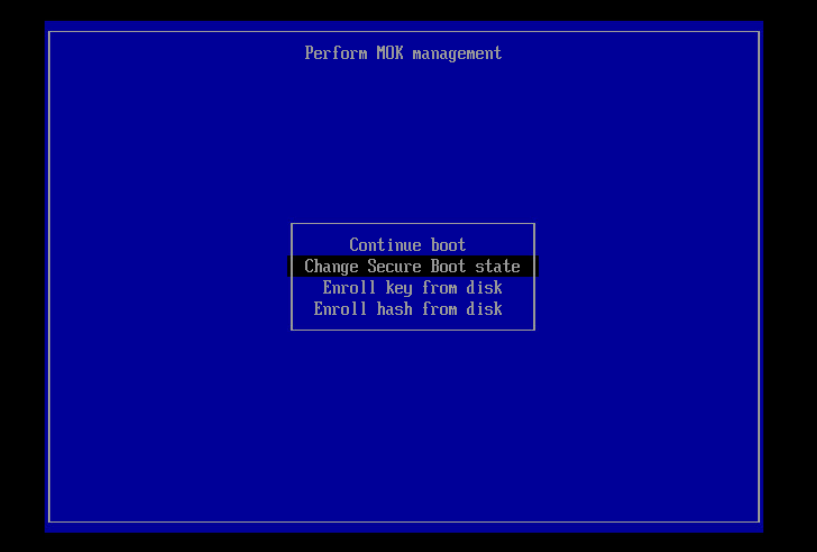
During the next boot, Secure Boot must be disabled via the boot menu (see screenshot below).
After the reboot, I checked the Secure Boot status again:
[root@bardg01 ~]$  mokutil --mokutil --sb-state
SecureBoot enabled
SecureBoot validation is disabled in shim
Following the recommendation from the MOS note, I manually loaded the ACFS driver:
[root@bardg01 ~]$  /u01/app/19.28/grid/bin/acfsload start
ACFS-9391: Checking for existing ADVM/ACFS installation.
ACFS-9392: Validating ADVM/ACFS installation files for operating system.
ACFS-9393: Verifying ASM Administrator setup.
ACFS-9308: Loading installed ADVM/ACFS drivers.
ACFS-9325:     Driver OS kernel version = 5.15.0-201.135.6.el9uek.x86_64.
ACFS-9326:     Driver build number = 250406.
ACFS-9231:     Driver build version = 19.0.0.0.0 (19.28.0.0.0).
ACFS-9547:     Driver available build number = 250406.
ACFS-9232:     Driver available build version = 19.0.0.0.0 (19.28.0.0.0).
ACFS-9549:     Kernel and command versions.
Kernel:
    Build version: 19.0.0.0.0
    Build full version: 19.28.0.0.0
    Build hash:    9256567290
    Bug numbers:   NoTransactionInformation
Commands:
    Build version: 19.0.0.0.0
    Build full version: 19.28.0.0.0
    Build hash:    9256567290
    Bug numbers:   NoTransactionInformation
ACFS-9327: Verifying ADVM/ACFS devices.
ACFS-9156: Detecting control device '/dev/asm/.asm_ctl_spec'.
ACFS-9156: Detecting control device '/dev/ofsctl'.
ACFS-9294: updating file /etc/sysconfig/oracledrivers.conf
ACFS-9322: completed
The driver was loaded successfully:
[root@bardg01 ~]$  /u01/app/19.28/grid/bin/acfsdriverstate loaded
ACFS-9203: true
After that, I started the installer again and reran rootupgrade.sh.
[root@bardg01 ~]$ /u01/app/26.1/grid/rootupgrade.shThis time, the script completed successfully.
(...)
2026/04/30 11:35:27 CLSRSC-595: Executing upgrade step 11 of 11: 'InstallACFS'.
2026/04/30 11:36:02 CLSRSC-327: Successfully configured Oracle Restart for a standalone server
I then re-enabled Secure Boot:
[root@bardg01 ~]$  mokutil --enable-validation
password length: 8~16
input password:
input password again:
[root@bardg01 ~]$  reboot
After the reboot, Grid Infrastructure started normally.
grid@bardg01 ~> which crsctl
/u01/app/26.1/grid/bin/crsctl
grid@bardg01 ~> crsctl stat res -t
--------------------------------------------------------------------------------
Name           Target  State        Server                   State details
--------------------------------------------------------------------------------
Local Resources
--------------------------------------------------------------------------------
ora.LISTENER.lsnr
               ONLINE  ONLINE       bardg01                  STABLE
ora.ons
               OFFLINE OFFLINE      bardg01                  STABLE
--------------------------------------------------------------------------------
Cluster Resources
--------------------------------------------------------------------------------
ora.cssd
      1        ONLINE  ONLINE       bardg01                  STABLE
ora.demodb_bardg01.db
      1        ONLINE  ONLINE       bardg01                  Open,HOME=/u01/app/o
                                                             racle/product/19.28/
                                                             db_home1,STABLE
ora.diskmon
      1        OFFLINE OFFLINE                               STABLE
ora.evmd
      1        ONLINE  ONLINE       bardg01                  STABLE
--------------------------------------------------------------------------------
grid@bardg02 ~> crsctl query has releaseversion
Oracle High Availability Services release version on the local node is [23.0.0.0.0]Lessons Learned
However, this approach is obviously not suitable for customers, and certainly not for a production environment.
I discussed this issue with a colleague, and he asked the right question:
Which OS version are you using?
The system was running Oracle Linux 9.4.
After upgrading the OS to Oracle Linux 9.7, the upgrade from 19c to 26ai completed successfully without any errors.
And what can I say? In the end, it wasn’t a Grid Infrastructure issue at all, but yet another reminder that patching the OS actually matters.
Mike Dietrich is absolutely right when he says: patch, patch, patch
(Patch your databases against AI-enabled cybersecurity threats)